Turn words into images
Create or edit images from a simple text description.Powered by Nano Banana 2 / Seedream / FLUX
Try one of these
Made with Generate Images
Real ways people use this tool. Pick any card to remix the prompt in the composer above.
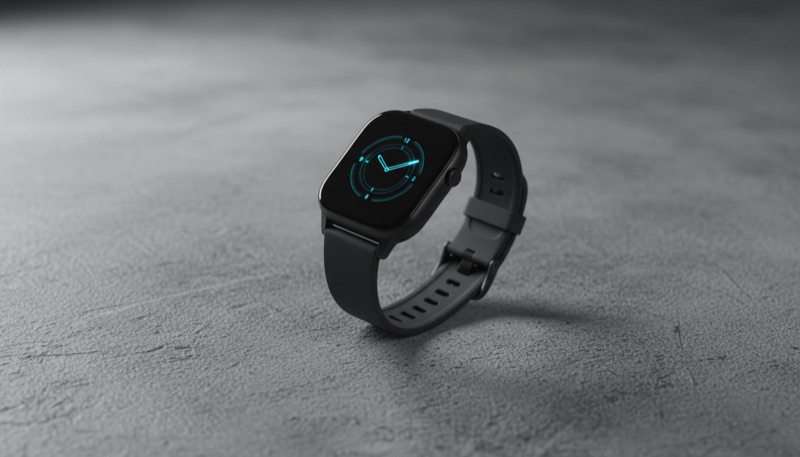 Product launch heroA wide, magazine-grade product image ready to drop straight into a landing page.
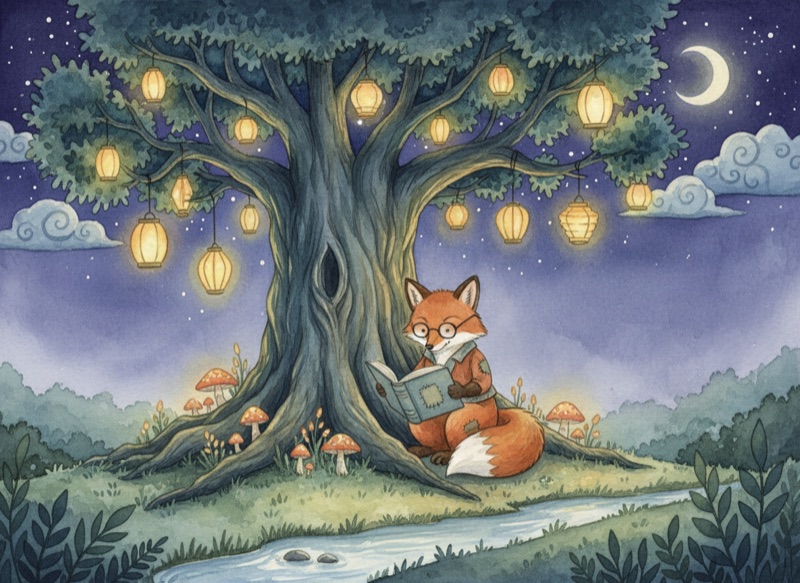 Children's book spreadA soft watercolor illustration with consistent character detail across follow-up edits.
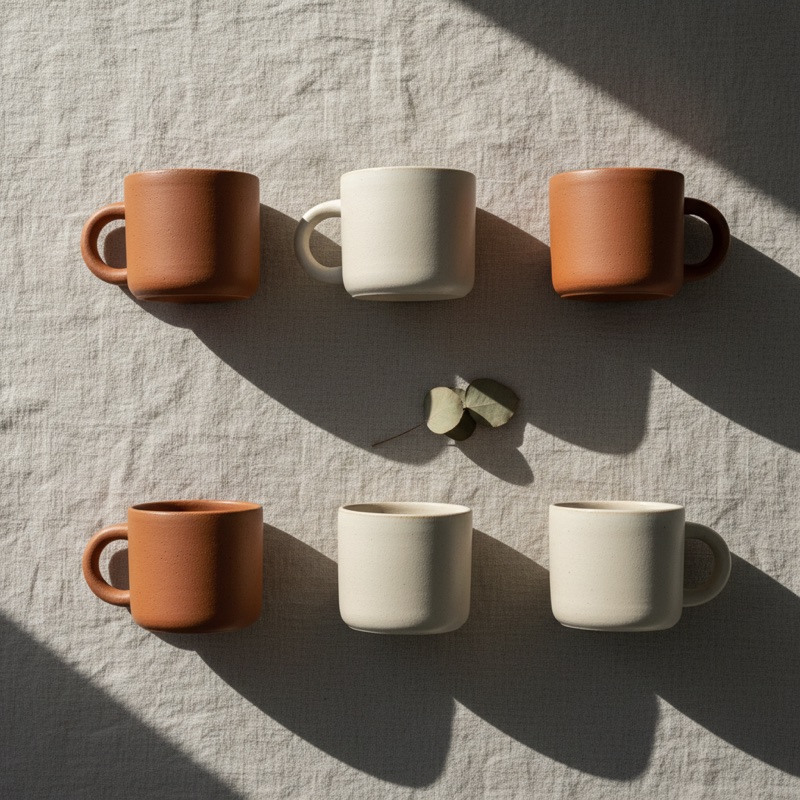 Brand mood board tileA clean square tile matched to the brand palette, regenerated in three variations.
Create or edit images from a simple text description. Powered by Nano Banana 2 / Seedream / FLUX. It runs inside the Zeplik assistant, so you can refine the result, ask follow-ups, and keep everything in one conversation.
Open Generate Images from this page and the composer arrives ready to go, or type "/" in any Zeplik chat to pick it. You can also just ask in plain language and Zeplik routes to the right tool.
Settings you control
- ModelAuto, Nano Banana 2, Seedream 5 Pro, Seedream 5 Lite, FLUX 1.1 Ultra, FLUX Dev
- Aspect ratioSquare 1:1, Wide 16:9, Portrait 9:16, Classic 4:3, Tall 3:4, Photo 3:2, Ultrawide 21:9
- Images1 to 4
- QualityStandard, High detail
- StyleAuto, Photorealistic, Watercolor, Oil painting, 3D render, Anime, Pixel art, Cartoon, Minimalist, Pencil sketch
How to use Generate Images on Zeplik
Open Generate Images
Start from this page or type "/" in the Zeplik composer and pick Generate Images. The tool is pinned for your next message.
Describe what you want
Write your request in plain language, and adjust the settings chip (like model, aspect ratio, images, quality, style) if you want precise control.
Refine in the same chat
The result lands in your conversation. Ask for changes, variations, or a different direction without starting over.
Frequently asked questions
- Is Generate Images free to use?
- Zeplik is free to start and every new account includes credits. Generations draw from your credit balance with transparent, pay-for-what-you-use pricing shown before you spend.
- Do I need a separate app for images?
- No. Generate Images is built into Zeplik chat, so your results, files, and follow-up edits all live in one conversation.
- Can I switch AI models?
- The generation itself is served by a product-tuned model (Nano Banana 2 / Seedream / FLUX), while the conversation around it runs on whichever of Zeplik's 285 chat models you pick.
- Where do my generations go?
- Every result is saved to your conversation and listed in the chat's files panel, where you can preview and download it any time.
More Zeplik tools
- Create VideosGenerate video clips from a text description or a starting image.
- Compose MusicCreate instrumental tracks and song clips from a description.
- Generate 3DTurn a description or a photo into a textured 3D model you can spin, zoom and download.
Skills that go deeper
More on Zeplik
Zeplik is AI. By using it, you agree to our Terms and Privacy Policy.