AI image generator
Describe a picture and get it back in seconds. Zeplik is a text-to-image generator built into a chat: you write a prompt, an image is generated, and you refine it by talking, without exporting to another tool. What makes it different from a single-model generator is that it runs several of the best image engines behind one composer, so you can match the model to the job. Nano Banana 2 for crisp detail and readable text, Seedream for realism, FLUX for high- resolution photorealism or a cheap draft.
How it works
Describe the image you want
Open the image tool and write what you want in plain language. Concrete detail helps: name the subject, the setting, the lighting, the mood and the format. You do not need prompt-engineering tricks, a clear sentence is enough to start.
Pick a model, or let Zeplik choose
Leave it on Auto and Zeplik uses Nano Banana 2, or switch engines from the model chip when a job calls for realism, 2K detail or a cheap draft. Set the aspect ratio, ask for up to four images at once, and turn on high-detail mode when it matters.
Refine in the same conversation
Your images land in the chat. Ask for edits, variations or a new direction in the same thread instead of starting over, compare options side by side, and download the winner from the files panel.
Worked examples
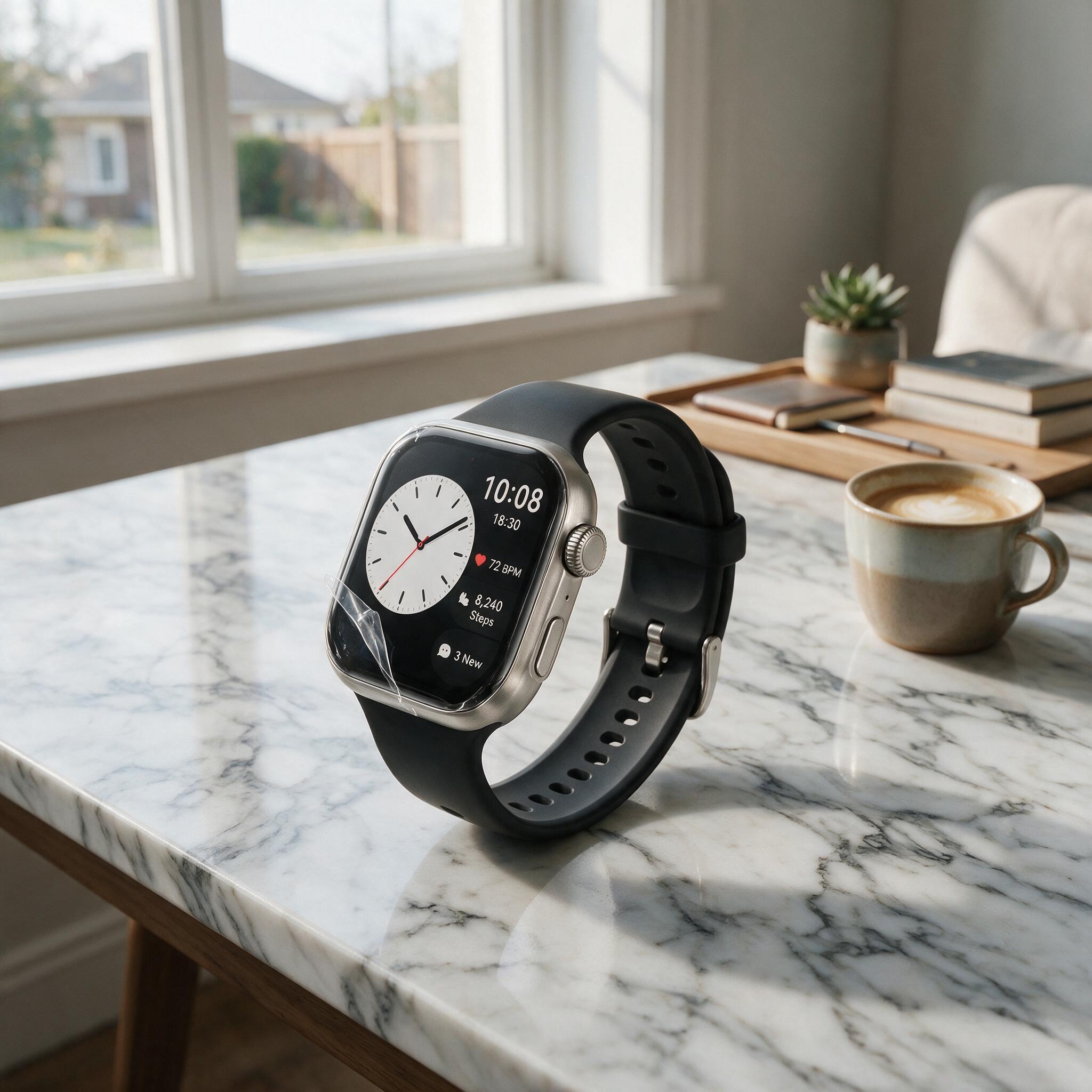
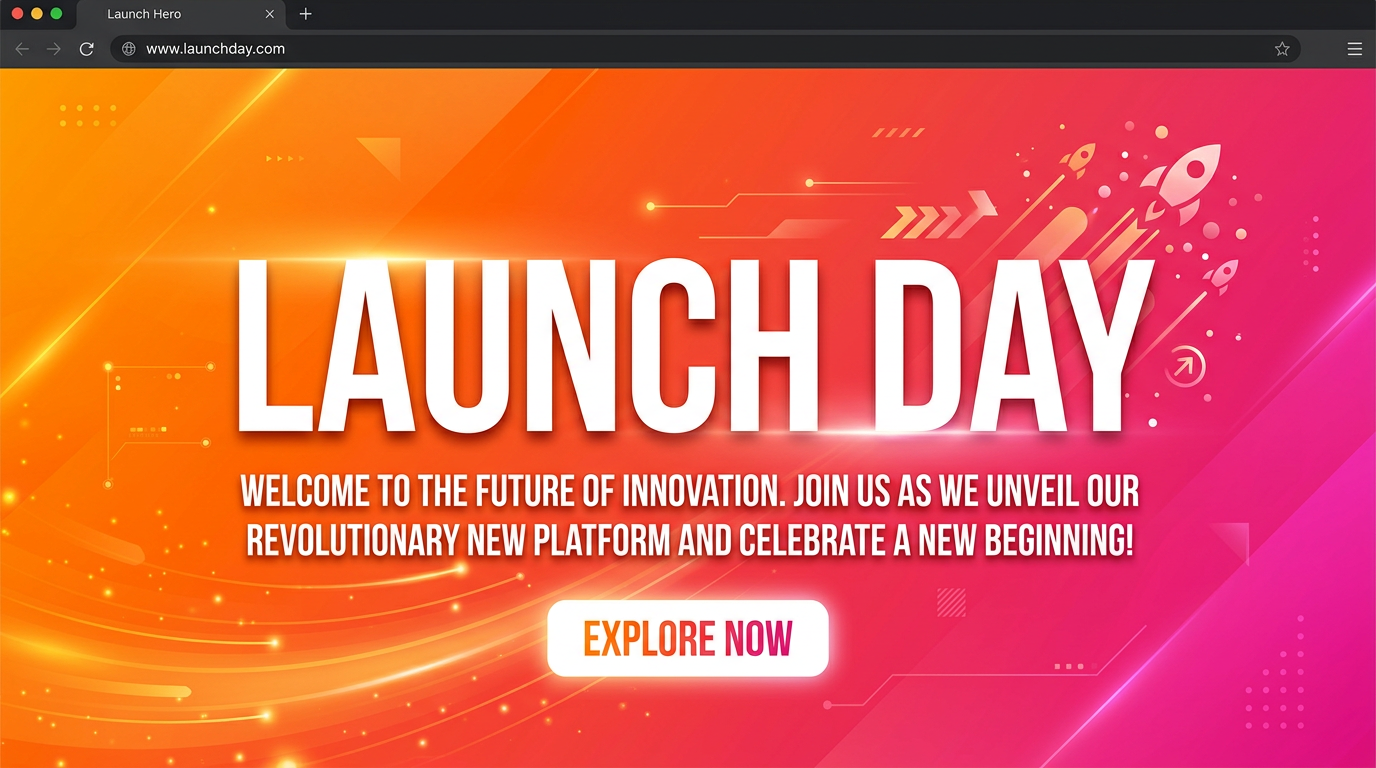
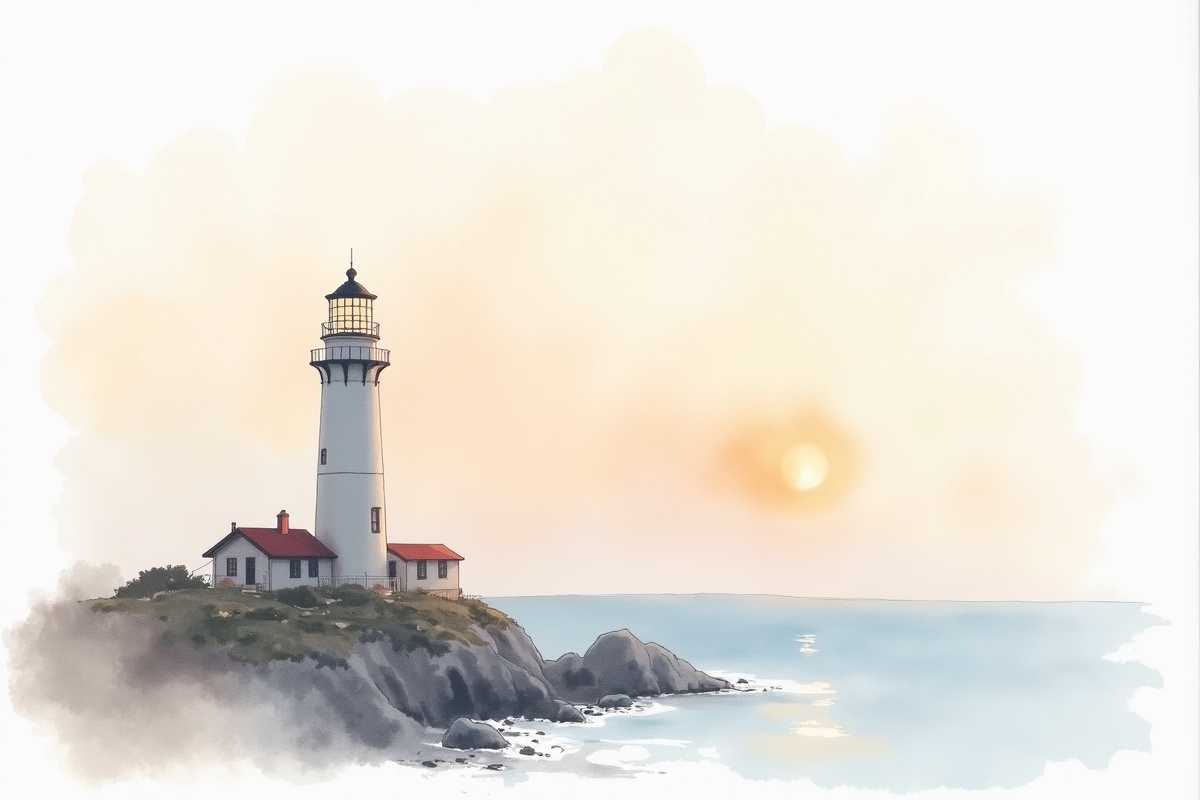
Three real prompts, the engine that suits each, and what to look for in the result. Open one to land in the composer with the prompt ready to review; nothing sends on its own.
Which model should you use
You never have to choose, Auto is a strong default. But when a job has a specific need, this is how the engines differ. Switch between them from the model chip in the composer.
The default. A balanced pick when you are not sure which engine to use; strong quality without having to choose.
The same engine Auto picks, pinned explicitly so a conversation keeps using it. Sharpest fine detail and the most reliable in-image text — reach for it when words on the image have to be legible.
ByteDance's flagship for realism. Best for photoreal people, products and scenes where believability matters.
Photorealism at up to 2K. Use it when you need a large, high-fidelity render rather than a quick draft.
Fast, inexpensive drafts. Iterate on composition cheaply before you commit to a hero render.
The open FLUX workhorse and the cheapest option for everyday, non-critical image work.
What it does not do well yet
Text-to-image models are remarkable but not magic. Knowing the rough edges saves you credits and frustration.
- Long or exact text. Short headlines render well on Nano Banana 2, but full paragraphs, precise typography and small print still garble. For anything word-heavy, generate the artwork and add the copy in a design tool.
- Hands, teeth and fine anatomy. These still distort sometimes. Generating a few variations and picking the clean one is faster than fighting a single result.
- Exact brand assets. It approximates logos and brand colors rather than reproducing them pixel-for-pixel, and it will not recreate a trademarked logo faithfully. Composite your real logo onto the generated background.
- Transparency and vectors. Output is a raster image, not an SVG, and there is no true transparent-background cutout. Ask for a plain backdrop and remove it afterward if you need a cutout.
- Specific real people. It will not reliably reproduce a named individual from a description, and content involving real people or unsafe material is subject to policy limits.
- One-shot precision. The same prompt gives a different image each run. Treat generation as iteration: adjust and regenerate rather than expecting an exact picture on the first try.
Frequently asked questions
- Is the AI image generator free?
- Zeplik is free to start and every new account includes credits. Each image draws a small amount from your credit balance (roughly 0.3 to 1 credit depending on the model), and the exact cost is shown in the composer before you generate, so nothing is spent by surprise.
- Can I use the images commercially, and who owns them?
- Your generations are saved to your account and files panel to download and use, including for commercial projects. AI-generated imagery carries some legal nuance that varies by jurisdiction, so review the terms for the specifics that apply to your use, especially if brand or likeness is involved.
- Can I edit an image after it is generated?
- Yes. Every image stays in the conversation, so you can ask for changes, variations, a different aspect ratio or a new style and keep the whole history in one place. Editing an attached image runs through the Nano Banana 2 edit chain.
- What resolution and aspect ratios can I get?
- You can choose square, portrait and landscape ratios including 9:16 for vertical formats and 16:9 for banners, and switch on high-detail mode. FLUX 1.1 Ultra renders photorealistic output at up to 2K when you need a larger, high-fidelity image.
- How many images can I make at once?
- Up to four per turn. Each image is billed at the single-image price, so a four-image batch simply costs four times one image, with the total shown before you generate.
- Do I have to choose a model?
- No. Auto picks a strong default for you. Name a model in your prompt, or switch with the model chip, only when you want to. The point of routing several engines through one chat is that you can pick the best tool for a specific job without leaving the conversation.
More on Zeplik
Make your first image
Describe it, generate it, and refine it in the same conversation. Free to start.